Falcon Cast on PC and Laptop: Your Viewing Options Explained
The Honest Starting Point
Falcon Cast is an Android application, and Windows and Mac computers do not run Android apps natively. Any guide promising a simple PC installer for an Android APK is skipping the important part of the story, so this page explains the real routes to a bigger screen instead.
Those routes are practical: cast from your phone to a television, use an Android TV device or stick, or run Android inside an emulator on the computer. Each has a different cost, effort and reliability, and the best choice depends on why you want the bigger screen.
If you are completely new to the platform, start with Falcon Cast APK download and device guide. Then choose your route below with open eyes about what each involves.
Option One: Cast or Use Android TV
For living room viewing, casting from the phone you already use is the simplest big screen answer. The phone keeps the app, the television shows the picture, and nothing new needs installing anywhere.
A dedicated Android TV box or stick is the step up: the app runs on the TV device itself, with a remote instead of a phone, and the household gains a setup that anyone can use without borrowing your handset. Falcon Cast System Requirements walks through that installation in full. For the neighbouring topic, see Install Falcon Cast on Android TV Guide.
Choose this route when the goal is watching, purely and simply. It is the most reliable option here, the easiest to keep updated, and the one that behaves identically every evening. Viewers who treat Falcon Cast as their main screen tend to build these small systems quickly, and their evenings run smoother for it.
Option Two: An Android Emulator on the Computer
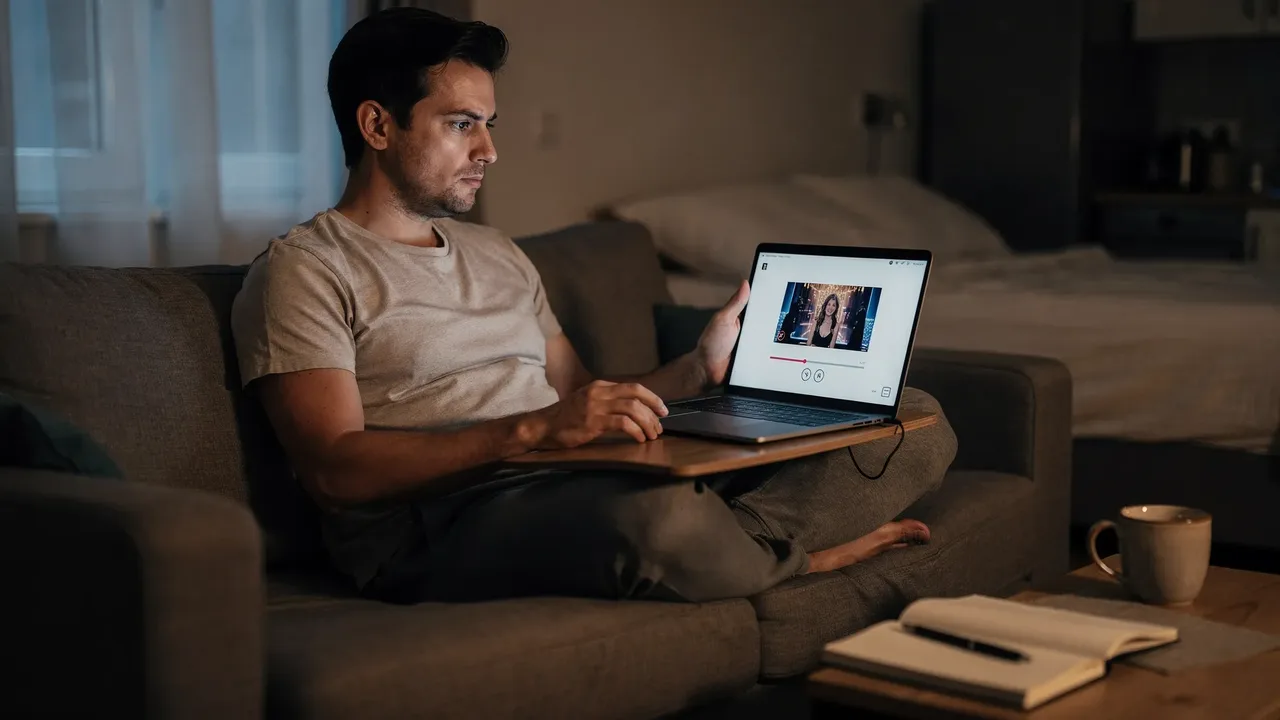
An emulator recreates Android inside a window on your PC or Mac. Inside that window, Android apps can be installed and run, which makes it a genuine route for desk viewing, testing, or a household whose main screen is a computer monitor.
The costs are real: emulators are heavy, they want a reasonably capable computer, and streaming video inside one adds decoding work on top of the emulation. On an older laptop the result can be slower than the phone you were trying to escape.
Performance varies widely between emulator products and machines, so treat the first install as an experiment. If sport stutters at the settings your computer can sustain, the desk route is the wrong tool for live matches, however convenient it feels for browsing. None of this requires the highest Falcon Cast settings; the clearest picture is often the one your connection can hold without effort.
Streaming quality is a negotiation between the picture you want and the connection you have, and the negotiation restarts every time the household's other screens wake up. A film night with one television is a different negotiation from a tournament evening with four devices, and treating them the same is how good connections earn bad reputations.
What About Browser and Web Claims?
Search results for popular apps attract pages claiming a web player or an official PC version that does not exist. Treat any such claim as a warning sign: download only from sources you have verified, and be especially wary of PC installers offered for an Android app.
An installer for the wrong platform cannot contain the real app. At best it wastes your time; at worst it carries software you never asked for onto the machine that holds your documents and accounts.
The safe rule generalises beyond this app. When a product's real home is Android, your routes to other screens are casting, TV devices and emulation, and anyone selling a fourth route is selling something else. When something looks wrong, the right response is a smaller Falcon Cast test and a calmer check, never a pile of random changes.
Setup Tips for Desk Viewing
If you choose the emulator route, give it resources deliberately: close heavy applications, let the emulator use a sensible share of memory and processor, and prefer a wired internet connection for the computer during live events.
Set the stream quality for the machine you have, not the machine you wish you had. A steady moderate picture on a laptop beats an ambitious setting that drops frames through every attack, and the laptop screen forgives resolution more than a television does.
Keep the phone nearby as the fallback it naturally is. Desk setups fail in desk ways, updates, drivers, a sleeping laptop, and the phone in your pocket remains the most reliable Falcon Cast screen you own. Falcon Cast cannot fix a weak connection for you, but it can show you exactly how much connection your viewing really needs.
Devices age out of streaming unevenly. An older phone may browse happily and still struggle with modern video, while an older television with a current streaming stick performs like new. Upgrading the weakest link in the chain beats replacing the whole chain, every time.
Choosing the Route That Fits
Pick casting for tonight, an Android TV device for the household, and an emulator only when the computer itself is genuinely where you watch. That ordering follows effort and reliability honestly, and it keeps the app on the platform it was built for.
Whichever route you take, the underlying app, account habits and safety checks stay the same: verified sources, sensible permissions and updates you control.
Big screens are worth having, and there is no need to chase a mythical PC version to get one. The real routes work today, and the best of them is usually already in your living room. Keeping the whole household in mind is the secret of most Falcon Cast setups that survive their first month.
Final Thoughts
Android apps do not run directly on Windows or Mac. Learn the honest options for bigger screen viewing: casting, Android TV, emulators and their limits.
Keep the setup simple, test changes one at a time, and let the routine you build carry your viewing. Falcon Cast rewards prepared viewers with calm evenings, and calm evenings are the entire point of a streaming app.