Falcon Cast Black Screen: Causes and Fixes
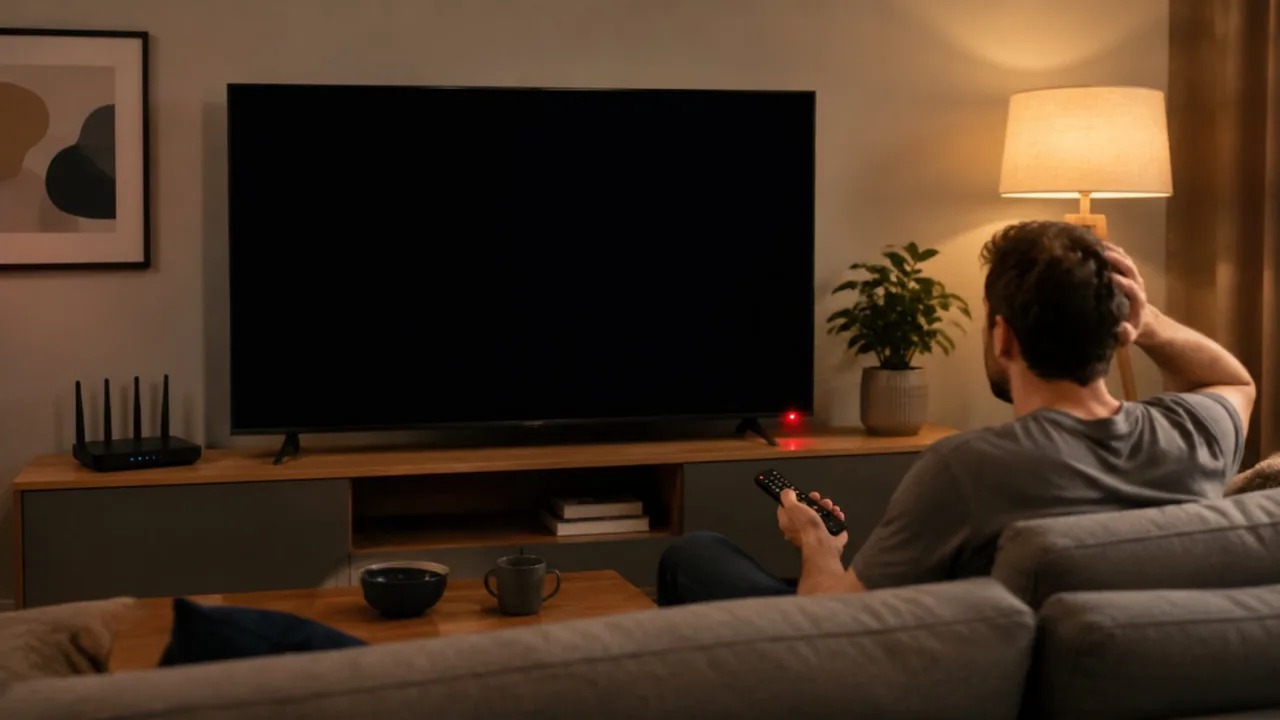
Read the Black Screen Before Fixing It
A black screen is information, not just failure. Sound playing over blackness points at the display path. Total silence with blackness points at the stream or the app. A black screen only on the television during casting points at the link between devices. Reading which kind you have halves the work.
Note also when it happens: at launch, when a programme starts, or midway through viewing. Each timing implicates a different layer, and describing your kind precisely is the fastest route through any help you read or request.
If you are completely new to the platform, start with Falcon Cast APK troubleshooting guides. Then match your black screen to the fixes below, changing one thing at a time.
Black Screen With Sound on a Phone
When commentary plays over a black picture, the audio stream is healthy and the video decode or display is not. First, rotate the phone or toggle full screen once; player surfaces occasionally fail to redraw, and a rotation forces a clean repaint.
Next, lower the stream quality one step. A phone struggling to decode an ambitious stream sometimes produces sound and no picture, and a lighter stream gives the decoder room to succeed. Falcon Cast Common Errors and Fixes covers the related case where the stream itself, not the display, is what stalls. For the neighbouring topic, see Falcon Cast Update Guide.
Close other heavy apps, especially games and other video players, then restart the programme. Video decoding is a shared hardware resource, and a crowded phone can starve the one app you are watching. Used with that kind of care, Falcon Cast stops being a list of features and becomes a dependable part of the household routine.
Black Screen at App Launch
A black screen before anything loads implicates the app's stored state or a version problem. Force stop the app from Android settings, reopen it, and give it a full minute on a good connection before concluding anything; first launches after updates do quiet housekeeping.
Clearing the app's cache from the same settings screen is the next step. Cache holds temporary files that can corrupt, and clearing it does not remove your settings or sign in, which makes it the safest deep clean available.
If launch failures began immediately after an update, note that timing. Falcon Cast Common Errors and Fixes for updates explains the version side: sometimes the honest fix is the next small release, and your precise report of when it began is what helps it arrive. This is also where Falcon Cast differs from traditional television most clearly, because the viewer, not the schedule, is in charge. For the neighbouring topic, see Falcon Cast Update Guide.
Casting, profiles and favourites share one purpose: removing friction between a person and a programme. None of them changes what is available to watch. All of them change how much of your evening is spent watching rather than arranging, which over a year is the larger prize.
Black Screen When Casting to a TV
When the phone shows the programme and the television shows black, the cast link is carrying control but not picture. Stop the cast, restart the television fully, and reconnect with the programme already playing on the phone, which is the most reliable connection order.
Check the television is on the input its streaming device or built in system actually uses, and that any HDMI device is awake. A sleeping stick shows a household a black screen with complete confidence.
Network quality shapes this fault too: a television at the edge of the Wi-Fi may hold the connection and drop the picture. Moving the router, or wiring the TV device, fixes a whole family of casting faults at once. A careful Falcon Cast session always starts from a known baseline, so a change in quality can be credited to the right cause.
Brightness, Overlays and Other Tricksters
Check the simple physics: a screen at minimum brightness in a bright room can look black while working perfectly, and an automatic brightness sensor covered by a case or a thumb can dim a stream into darkness mid match.
Other apps' overlays occasionally interfere with video surfaces, especially screen filters and blue light tools that draw over other apps. If a black screen arrived alongside a new utility app, test with that app's overlay switched off.
Battery saver modes deserve a glance as well. Aggressive saving can restrict the processor and display behaviour streaming depends on, and exempting your viewing app from the harshest saving is a fair trade for reliable playback. The same discipline applies to every Falcon Cast habit: set it up once, test it honestly, and let the routine carry the rest.
Streaming quality is a negotiation between the picture you want and the connection you have, and the negotiation restarts every time the household's other screens wake up. A film night with one television is a different negotiation from a tournament evening with four devices, and treating them the same is how good connections earn bad reputations.
The Ladder, and When to Stop Climbing
Work in this order: read the fault, restart the programme, force stop and reopen, clear cache, lower quality, restart the device, check for updates, and reinstall from your verified source only at the end. Most black screens surrender in the first three steps.
If the fault survives everything and affects every programme, write down the device model, app version and the exact kind of black screen before seeking help. That record is the difference between a generic answer and a useful one.
Display faults look catastrophic and are usually trivial. A calm reading of which black screen you have is worth more than any single fix on the list. Viewers who treat Falcon Cast as their main screen tend to build these small systems quickly, and their evenings run smoother for it.
Final Thoughts
A black or blank screen with sound, or without it, has a short list of causes. Work through display, connection and app fixes in a sensible order.
Keep the setup simple, test changes one at a time, and let the routine you build carry your viewing. Falcon Cast rewards prepared viewers with calm evenings, and calm evenings are the entire point of a streaming app.