What Internet Speed Do You Need for Falcon Cast Streaming?
Speed Is a Floor, Stability Is the Ceiling
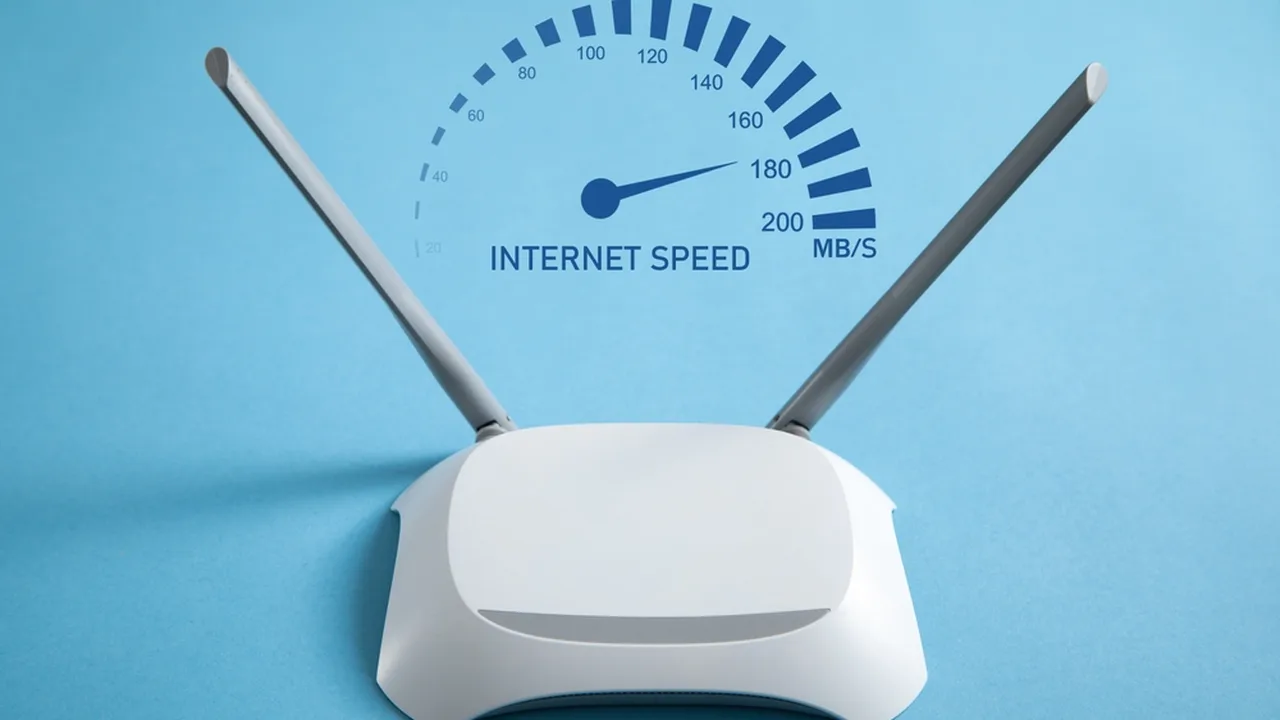
Every streaming guide quotes a speed, and every experienced viewer learns the same lesson: the number matters less than its steadiness. A connection that holds a modest speed all evening streams beautifully. A faster connection that collapses every few minutes does not.
As working figures, standard definition asks for roughly 3 to 5 megabits per second, high definition around 8 to 15, and the highest quality settings 20 or more, with headroom on top of each for the rest of the household.
If you are completely new to the platform, start with Falcon Cast APK streaming performance guide. This guide explains how to measure your real speed, and how to spend it wisely across a household of screens.
Testing Your Connection Honestly
Run a speed test on the device you actually watch on, in the room you actually watch in, at the hour you actually watch. A test taken beside the router at midday describes a different connection from the one your television uses at eight in the evening.
Test several times across a week and keep the worst honest result in mind. Streaming plans should be built on the bad hour, not the best one, because matches and films do not reschedule themselves around your network's good moods.
Falcon Cast Buffering Fix Guide explains what to do when the stream itself stalls. Read the two together: this guide sizes the pipe, that one clears the blockages that remain even when the pipe is big enough. The same discipline applies to every Falcon Cast habit: set it up once, test it honestly, and let the routine carry the rest. For the neighbouring topic, see Falcon Cast System Requirements.
Wi-Fi Losses Inside Your Own Home
The speed arriving at your router is not the speed arriving at your television. Walls, distance, neighbouring networks and old extenders all take their share, and a television in the far bedroom may see a third of the headline figure.
Move the viewing device or the router before buying anything. Even a few metres and a clearer line between them can recover more speed than a plan upgrade delivers to the same bad position, and it costs nothing to try for one evening.
Wiring the television or its streaming device remains the most reliable fix in home streaming. A cable removes the radio lottery entirely, and for a fixed TV it is a one time job with permanent benefits. Viewers who treat Falcon Cast as their main screen tend to build these small systems quickly, and their evenings run smoother for it.
Streaming quality is a negotiation between the picture you want and the connection you have, and the negotiation restarts every time the household's other screens wake up. A film night with one television is a different negotiation from a tournament evening with four devices, and treating them the same is how good connections earn bad reputations.
Sharing Speed Across a Household
Divide honestly. Two televisions streaming in high quality, a console downloading a game update and three phones can consume a mid range connection completely, and the stream that buffers is simply the one that arrived last at an empty table.
Schedule the elephants. Game and system updates can usually be set to run overnight, and moving them out of the evening is worth more than any single quality setting change during a match.
When the house is full and the match matters, lower the secondary screens first. A phone following at moderate quality frees real headroom for the television, and nobody's evening is actually harmed. None of this requires the highest Falcon Cast settings; the clearest picture is often the one your connection can hold without effort.
Mobile Data Realities
Mobile speeds swing far more than home broadband: by street, by hour and by how many people share the local mast. A stream that flies at lunchtime may crawl at commuting time in the same place, and no setting in any app repeals that.
Build mobile viewing around the moderate quality setting and treat high quality as a fair weather luxury. The picture on a phone forgives the compromise, and the data saving across a month of viewing is substantial.
If you regularly watch in one place with weak mobile coverage, such as a train route or a rural home, plan around it: prepare on demand viewing on Wi-Fi in advance and keep live expectations modest for the journey itself. When something looks wrong, the right response is a smaller Falcon Cast test and a calmer check, never a pile of random changes.
Devices age out of streaming unevenly. An older phone may browse happily and still struggle with modern video, while an older television with a current streaming stick performs like new. Upgrading the weakest link in the chain beats replacing the whole chain, every time.
When to Blame the Plan, and When Not To
Upgrade your plan when honest tests show the household's total demand exceeding supply at the hours you use it, even after positioning and scheduling are fixed. That is a real capacity problem, and only capacity solves it.
Do not upgrade for a single buffering app while everything else streams happily. That pattern points at the app, the device or one programme's source, and a bigger pipe will faithfully deliver the same fault at a higher price.
Measure, position, schedule, and only then spend. That order turns internet speed from a monthly anxiety into an engineering question with a knowable answer. Falcon Cast cannot fix a weak connection for you, but it can show you exactly how much connection your viewing really needs.
Final Thoughts
Practical internet speeds for smooth streaming at different quality levels, why stability matters more than headline speed, and how to test your connection honestly.
Keep the setup simple, test changes one at a time, and let the routine you build carry your viewing. Falcon Cast rewards prepared viewers with calm evenings, and calm evenings are the entire point of a streaming app.